The challenge
Dozens of projects, one pair of eyes.
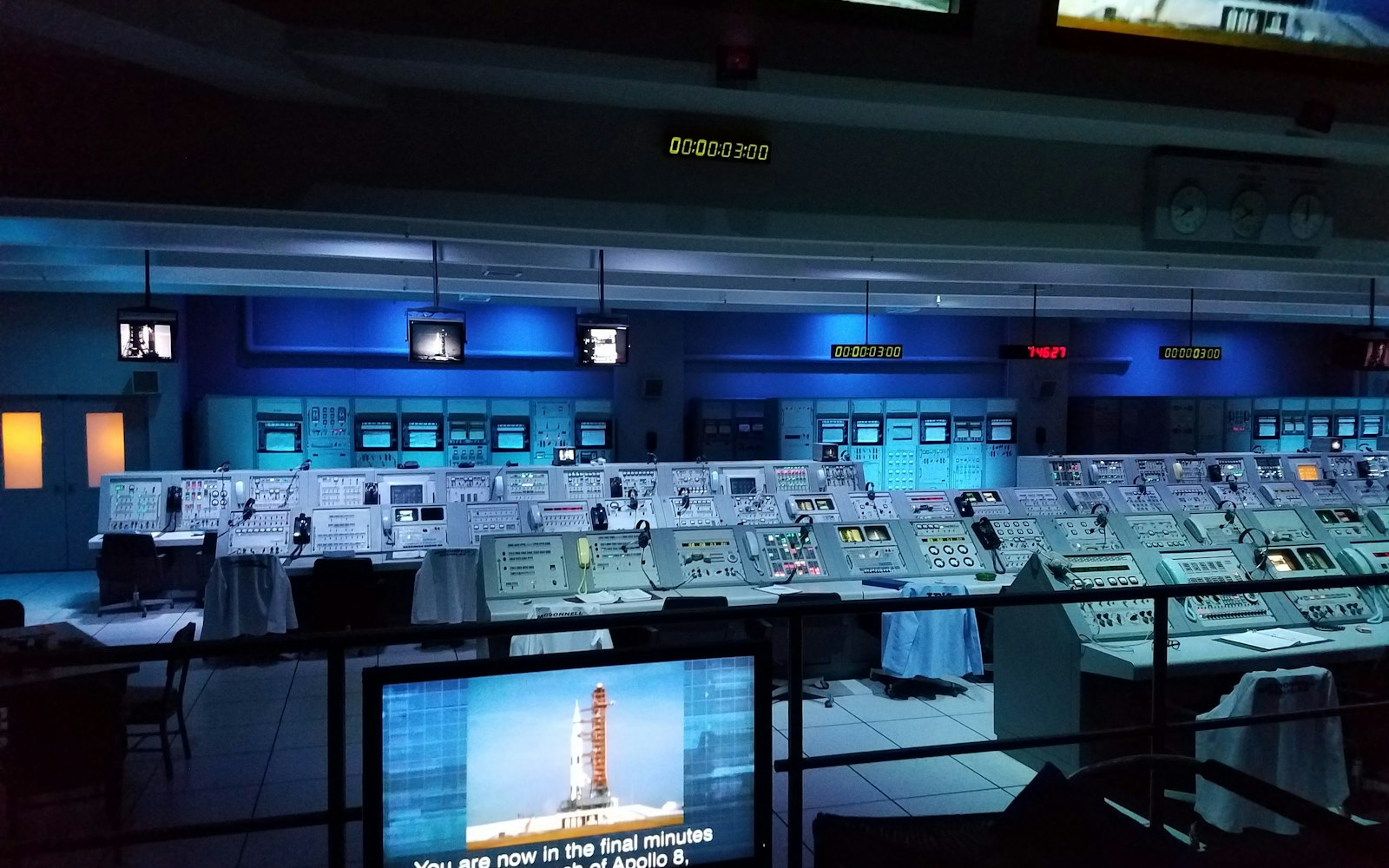
With 40 to 50 active client projects, running AI agents in separate editor windows didn’t scale. It was hard to know which agent was working on what, and which ones were waiting for a person.
Existing editor-based agent tools worked for one project at a time but not for a whole portfolio.
The approach
How I tackled it.
-
One view of everything
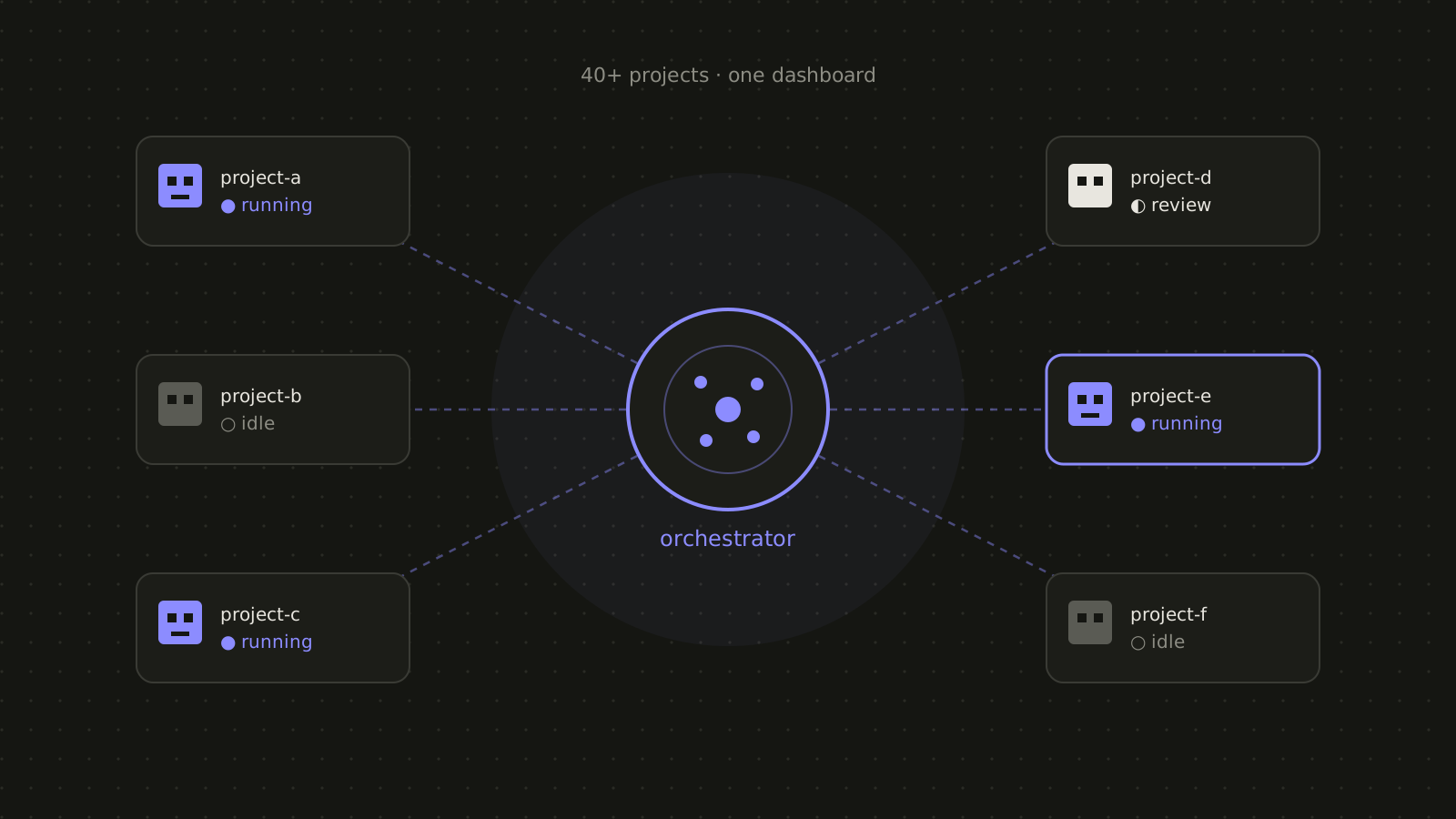
A single dashboard listing every project, its agent and its current status.
-
Make it scale
Search and better ways to display large numbers of projects so nothing gets lost.
-
Make it fun to use
Two visual themes, a pixel-art office and a futuristic “Nexus” view, to demo side by side.
What I built
Mission control for AI agents.
- Live agent status See which agents are running, idle or waiting for review.
- Project search Jump to any of 40+ projects instantly.
- Review queue Agents that need a person are surfaced first.
- Two themes Pixel office and Nexus views for demos and daily use.
The results
What changed.
One screen to monitor and direct AI agents across the whole client portfolio.
- 40+ projects in one view The whole portfolio at a glance.
- Live agent status Know what every agent is doing right now.
- Find any project fast Search instead of scrolling.
Tech stack
- AI agents
- Web dashboard
- Real-time status
- Search
- Pixel art UI