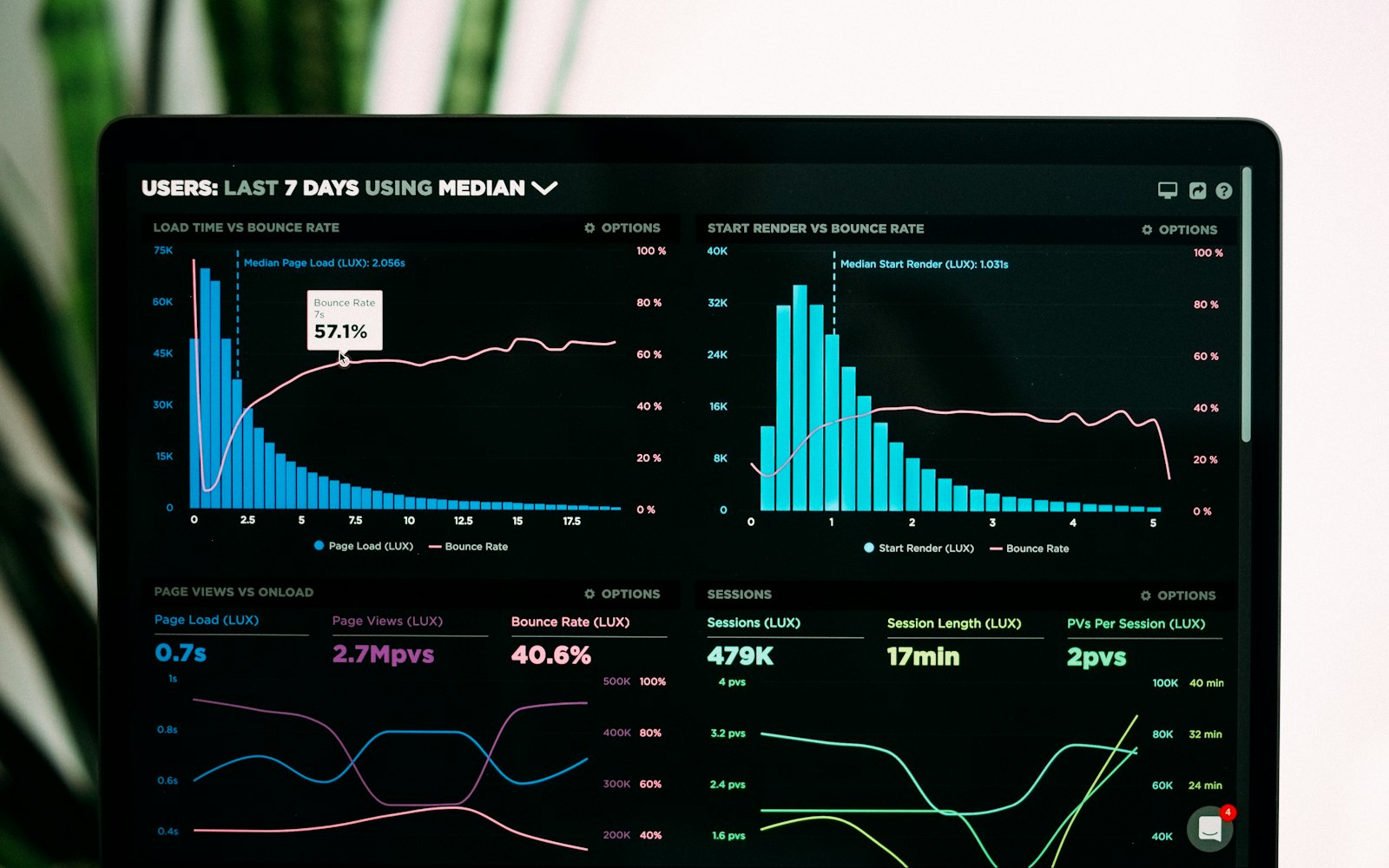
Built-in reports are fine for totals. The moment someone asks “which product lines are growing in which regions,” you’re exporting CSVs into a spreadsheet every Monday. There’s a better way.
Pick the pipe
- A paid connector: fastest to set up, a monthly cost, and limited control over fields.
- A scheduled export to Google Sheets: cheap and simple, fine for smaller stores.
- A sync to a database or data warehouse: more work up front, fast and flexible at scale.
- Your own pull from the WooCommerce REST API: full control, but you own the code.
Decide what you actually need
Start from the questions, not the data. Most teams need orders, line items, product categories, customer region and refunds. Leave out personal details you don’t need: dashboards get shared, and names, emails and addresses don’t belong in them.
Shape the data before it hits the chart
- One row per line item, so product-level reports are easy.
- Money stored as numbers in one currency, not formatted text.
- All dates in one time zone.
- Refunds as their own rows, so revenue isn’t overstated.
Keep it fresh and trustworthy
Schedule the sync, log every run, and show a “last updated” time on the dashboard. A report people don’t trust is a report people don’t open.
A good dashboard answers three questions well, not thirty questions badly.