The challenge
Important pages that search engines couldn’t see.
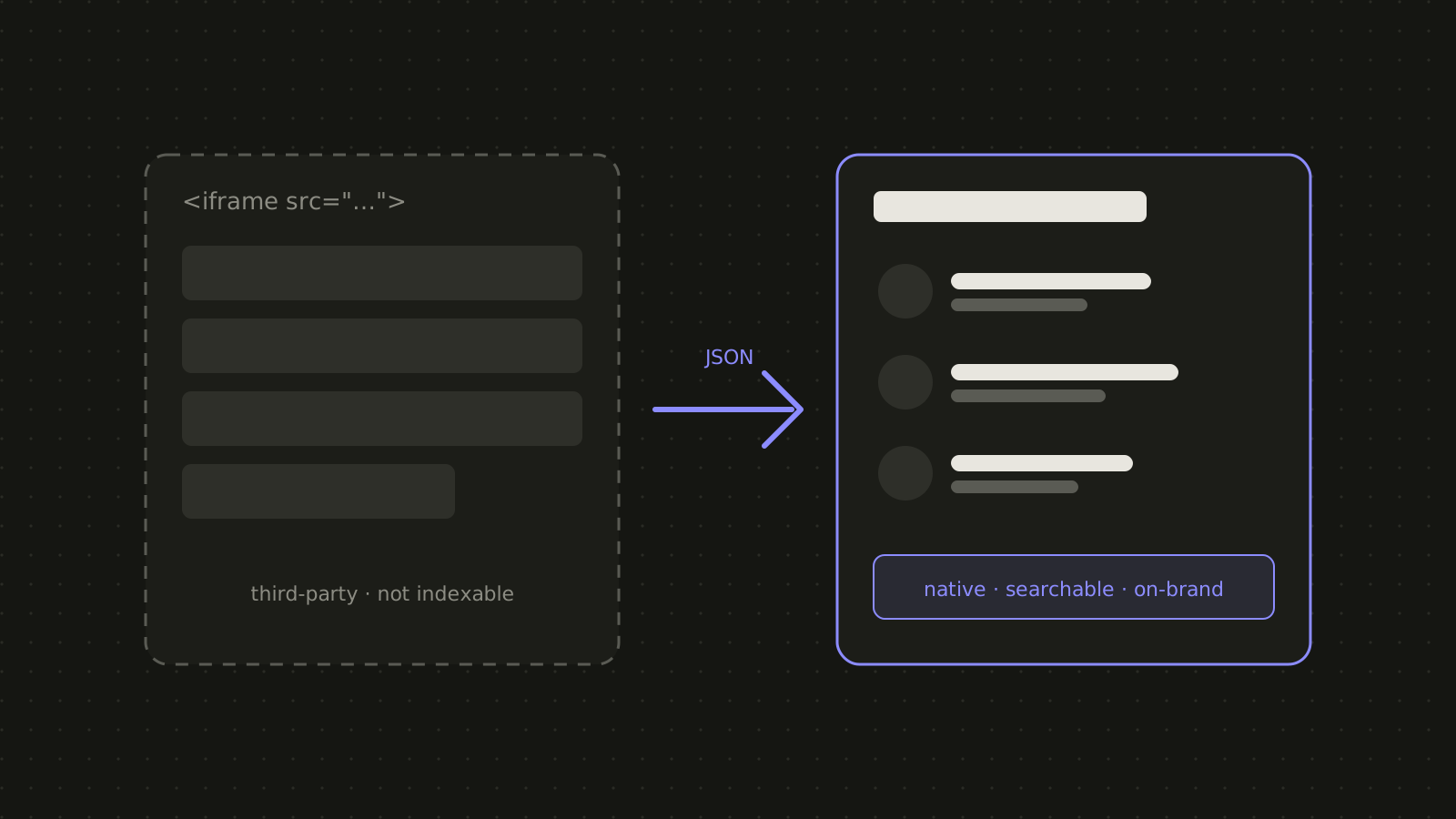
Embedded iframes looked off-brand, behaved poorly on phones and hid their content from search engines. Prospective students looking for program requirements, or anyone looking for a staff member, had a clumsy experience.
The data still lived in the college’s student information platform, so the new pages had to stay in sync with it automatically rather than becoming a copy that drifts out of date.
The approach
How I tackled it.
-
Connect to the feeds
Worked with the college’s IT team to consume JSON feeds for the staff directory and degree requirements.
-
Rebuild natively
Built WordPress templates with on-brand layouts and accessible accordions, developed as separate DEV copies so live pages stayed untouched.
-
Audit live against new
Compared every page, course list and accordion against the original, and handed IT a clear list of data fixes on their side.
What I built
Native pages, live data.
- Staff directory Searchable, on-brand directory pages generated from the live feed.
- Degree requirements Course lists and requirement groups rendered as accessible accordions.
- Side-by-side audits A structured comparison of old and new pages so nothing was lost in the move.
- Clean handoff Data issues flagged for the IT team separately from layout issues.
The results
What changed.
Directory and degree pages now live on the college’s own site: searchable, on-brand, mobile-friendly and easier to maintain.
- Native, on-brand pages Consistent with the rest of the site on every screen size.
- Indexable by search engines Program and staff content is now visible to search.
- Easier to maintain Pages update from the source data automatically.
Tech stack
- WordPress
- PHP
- JSON feeds
- Accessible accordions
- Local dev workflow