
The challenge
Small components made big changes painful.
The usual approach built pages from many tiny components: text, spacer, button, nested in wrappers. It worked, but changing spacing, type sizes or mobile layout after content was entered meant touching dozens of pieces.
The new site needed to be faster to build and easier for editors to manage without breaking the design.
The approach
How I tackled it.
-
Dissect the design
Broke the approved design into pages and section-level blocks rather than individual components.
-
Build with an AI copilot
Generated each block with AI assistance following the build standards, then reviewed it like any other code.
-
Give editors the right levers
Semantic heading controls, visual size overrides and design tokens as CSS variables, so editors adjust safely.
What I built
Blocks that match the design and respect the editor.
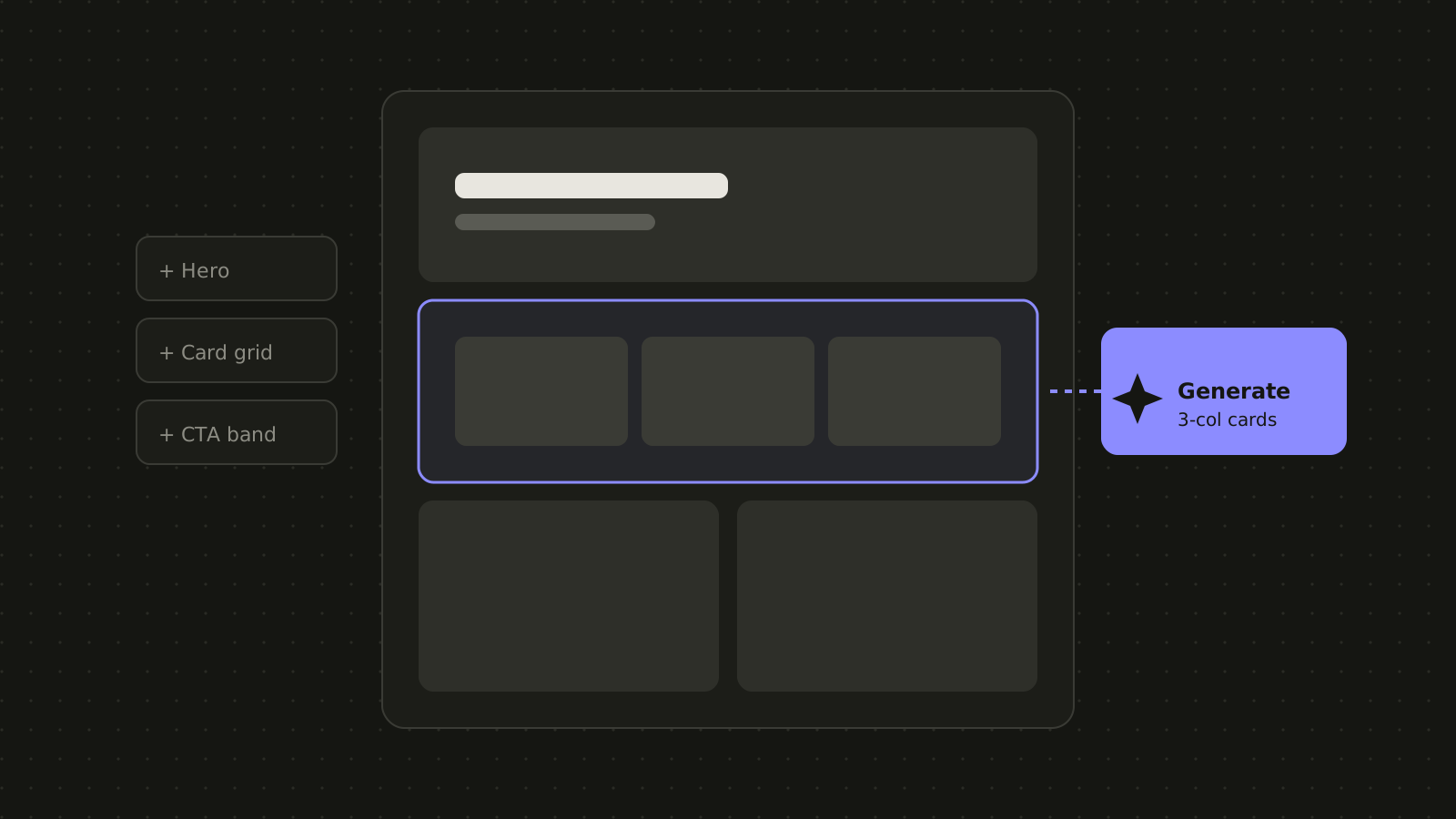
- Section-level blocks Each design section is one block, so layout changes happen in one place.
- Smart heading controls Choose the semantic tag and the visual size separately, good for SEO and design.
- Design tokens Colors, spacing and type defined as CSS variables for site-wide changes.
- Products post type A structured product catalog editors can manage like any other content.
The results
What changed.
Pages come together from a library of section blocks, and editors can change content and layout without waiting on a developer.
- Section-level blocks Fewer moving parts per page.
- Editor-friendly controls Safe levers instead of raw settings.
- Faster site builds A typical custom site build dropped from about 150 hours to 60.
Tech stack
- WordPress
- WPBakery
- ACF
- SCSS
- CSS variables
- AI copilot